From Jarvis Dreams to Local Reality: Everything You Need to Know About Clawdbot
Sat Jan 31 20268mo ago3 min
What in the World Is Clawdbot?
Let’s start with the basics: Clawdbot is an open-source, personal AI assistant you run on your own device. That means it’s not some cloud service hosted by a big tech company—it lives on your machine, talking to your apps and automating things for you.
It’s been making headlines because of its rapid rise in popularity (tens of thousands of GitHub stars in a blink), and also because it got tangled up in a naming dispute—so you might also see it referred to as Moltbot or even OpenClaw in some corners of the internet.
In a nutshell: it’s like giving yourself a Jarvis-style AI assistant that’s all yours.
Why I Think It’s Exciting (and Worth Your Attention)
Most AI assistants are walled gardens. Siri, Alexa, or basic chatbots can answer questions, but they:
- Run in the cloud
- Aren’t truly extensible
- Can’t take real actions for you
Clawdbot flips that script. It:
- Runs locally (your data stays on your machine)
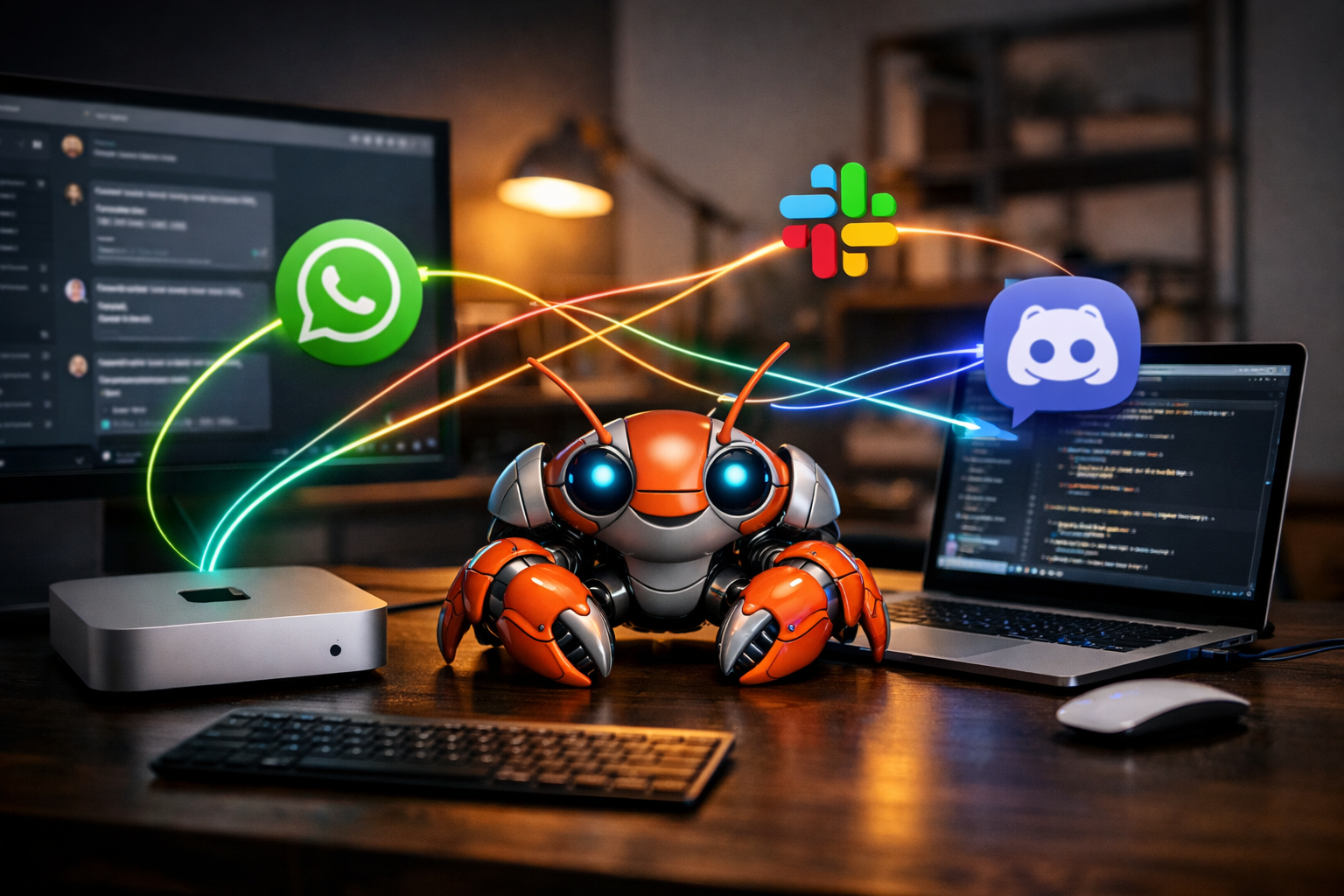
- Integrates with tools like WhatsApp, Telegram, Discord, Slack, iMessage, and more
- Can execute shell commands, manage files, control browsers, and automate tasks
- Has an extensible ecosystem of community skills you can add
That’s a big deal for developers and founders who want an assistant that acts not just responds.
How Clawdbot Works: A Very Friendly Tour
Instead of being some mysterious AI cloud, Clawdbot is a local server + agent system:
- You install it on your machine (macOS, Linux, or Windows via Docker/WSL).
- It runs a gateway service locally that handles your messages.
- You connect that gateway to your favorite messaging platform (e.g., WhatsApp or Slack).
- When a message comes in, Clawdbot routes it to your chosen AI model (Claude, GPT, local models via Ollama, etc.).
- The assistant returns something helpful—and can even do things like schedule your calendar or automate scripts.
Here’s the high-level idea (no code required, just to visualize):
You ↓ WhatsApp/Telegram/Discord ↓ Clawdbot Gateway (local) ↓ AI Model (Claude, GPT-4, local LLM) ↓ Action or Response
Because it runs locally, your data doesn’t have to float off to some unknown cloud—an important privacy win if you care about that.
Real-World Uses I’ve Seen
Developers and startups have been using Clawdbot for things like:
- Automating email cleanup and scheduling
- Code generation and review in Slack or Discord channels
- Team reminders and routine check-ins
- Managing data files and running scripts without touching the terminal
It’s not just “AI that chats”—it’s AI that does.
But Here’s the Catch: Security (Yes, It’s a Thing)
Clawdbot’s power comes from access. It can see files, run commands, and integrate deeply with your system. That’s cool… until it’s not.
A few issues people have been talking about:
- Servers exposed to the internet by mistake can be exploited, giving attackers shell access.
- Its default setup might not block everything you want it to.
- Prompt injection and other agent security gotchas can lead to unexpected behavior.
So, if you’re thinking about using it, treat security seriously—especially if you’re testing it on a VPS or shared machine.
Naming Confusion (Because of Course)
Remember that bit about Moltbot and OpenClaw? Here’s the gist:
- The project started as Clawdbot.
- A trademark dispute with Anthropic (who own the “Claude” brand) led to a rebrand to Moltbot.
- Folks in the community have since started calling it OpenClaw, and discussions online mix these names.
So if you see multiple names, it’s mostly the same core idea—but be sure to check you’re looking at the right repo or documentation.
Should You Use It?
If you’re a developer or founder who:
- Likes tinkering with AI
- Wants privacy and local control
- Doesn’t mind wrangling a bit of setup complexity
…then Clawdbot is absolutely worth exploring.
But if you just want a plug-and-play assistant with zero setup and ironclad safety, mainstream cloud services might still be the easier choice.